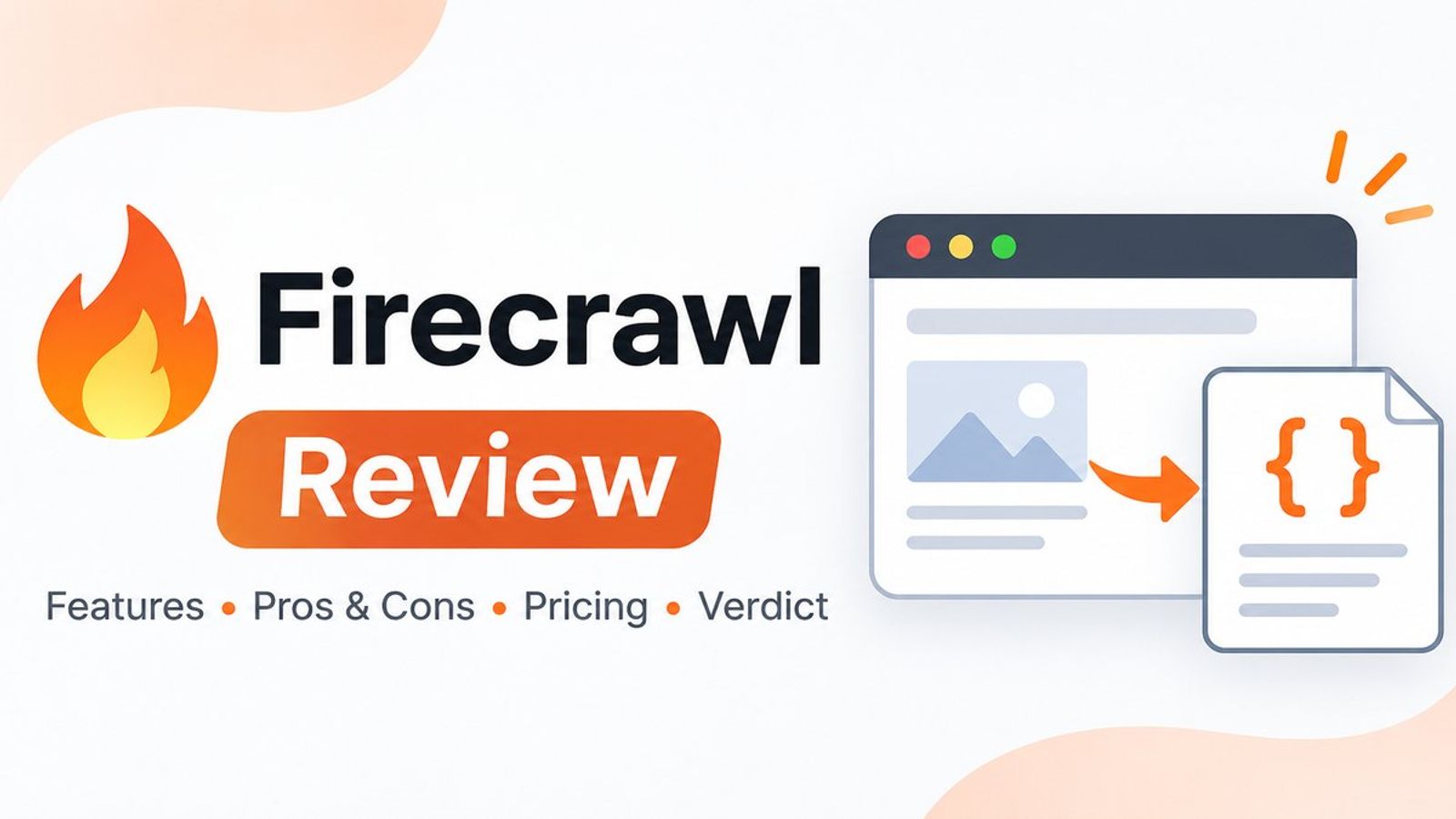
This Firecrawl review looks at how to bring website content into an AI application, what the API charges for, and where a self-hosted install differs from Firecrawl Cloud. Firecrawl is a good candidate when you already know which pages you need and want readable Markdown or structured fields without building a scraper for each site.
The main tradeoff is between getting a usable page quickly and controlling how it was fetched, filtered, and billed. Test the URLs you actually depend on before committing to a plan. This review draws on public documentation and pricing checked November 13, 2026.
Firecrawl Review for AI Data Pipelines
Think of Firecrawl as the part of your pipeline that fetches a page and prepares its contents. For a support assistant that answers from public product docs, a Markdown scrape can supply text, headings, and links for indexing. Keep the source URL and retrieval timestamp alongside the content so you can show where an answer came from and decide when a page needs refreshing.
If you're building retrieval-augmented generation (RAG), you still need to split or otherwise index the content, retrieve relevant passages, and measure whether the answer is supported by them. SD's LlamaIndex review covers that downstream work. The distinction helps when debugging. If Firecrawl omitted a table, inspect the extraction. If the table made it into the index and the assistant missed it, inspect retrieval and answer generation.
Firecrawl's JSON mode accepts a schema for LLM-based field extraction. For a catalog, you might request product name, listed price, and currency. Validate the field values against the page, especially when price varies by region or a product has several sizes. A record can match the schema while reporting the wrong variant. Keep the extracted Markdown or a relevant source excerpt so a reviewer can trace disputed values. If you process several pages about the same product, decide which one wins when fields disagree. For example, a current product page may be a better price source than an older announcement. A deterministic rule makes refreshes easier to debug.
When to Use Scrape, Crawl, Map, or Search
- Scrape processes a known URL. Use it to refresh a specific help article or pull a handful of fields from one page.
- Map returns candidate URLs for a site. Use it to build a shortlist of relevant documentation pages before fetching their content. Firecrawl says discovery draws primarily on sitemaps, supplemented by search results and previously crawled pages.
- Crawl discovers and fetches pages from a starting URL. Use it for a defined documentation section and set a page limit, path filters, and discovery depth.
- Search starts from a query. Use it to find candidate sources when you have a question and no URL list. You can request page content alongside results, which adds scraping charges.
For a docs site, a crawl of the right directory may be the simplest first import. If you need repeatable coverage, compare returned URLs against your expected inventory and fetch the same list on subsequent runs. Firecrawl documents that concurrent link discovery can change which pages a crawl reaches. Also check the crawl's error records and remaining result pages before treating a completed job as ready to index.
One easy mistake is to equate an API success response with a usable source page. A Firecrawl request can succeed while the target returns a 403 or 404. Check the page status in the response metadata, and look for soft errors such as a generic login screen with a 200 status. Test freshness separately. Firecrawl documents a two-day default cache window for Scrape, with maxAge: 0 available when you need a fresh fetch. If the content is available only after navigating changing screens or interacting with controls, a browser automation workflow may fit better. SD's Browser Use review covers that approach and its operating costs.
Firecrawl Pricing and What Uses Credits
Firecrawl lists 1,000 credits per month and two concurrent requests on its free plan. Its pricing page shows Hobby at $16 per month equivalent when billed annually for 5,000 monthly credits, and Standard at $83 per month equivalent when billed annually for 100,000 monthly credits. Check billing cadence and concurrency before sizing a production workload.
On the standard rate card, a basic scrape or crawled page costs one credit, and a Map call costs one credit. Standard web search costs two credits per block of up to ten results, with scraping billed separately. LLM-based JSON adds four credits per page. For example, one Map call, 800 ordinary HTML pages scraped to Markdown, and JSON extraction enabled on 100 of those pages would use 1,201 credits, assuming no other billed options or special URL rates. Adding JSON to every page in that same batch would raise the estimate to 4,001 credits. For a weekly refresh, estimate how many pages genuinely need fetching each time. If your own sitemap exposes reliable modification dates, start with the changed URLs and periodically reconcile against the full list. Measure misses before relying on that shortcut.
Budget against usable records and peak traffic. Returned error pages can still consume credits, as can cached pages. If a handful of target sites repeatedly return block pages, identify them before the scheduled job spends another batch of credits. Also count what your application does after extraction, such as storing snapshots or embedding changed documents.
Firecrawl Cloud vs. Self-Hosting
Firecrawl documents a Docker Compose setup with core Scrape, Crawl, Map, and Search routes, including Fetch and Playwright processing. LLM-backed formats need a configured provider. The default stack omits Fire-engine and its advanced anti-bot capabilities. Firecrawl also documents separate requirements for screenshots, page actions, and hosted Agent or Browser features. If your workflow depends on any of these, check it against the exact setup you intend to run.
Cloud makes sense when you want a managed API and can accept its limits on the pages you need. Self-hosting offers control over deployment and service configuration, along with responsibility for upgrades, storage, monitoring, and any external model or proxy you configure. Estimate time to diagnose failed pages as well as the infrastructure bill. Try both on the same target URLs if a deployment decision depends on extraction parity.
Firecrawl Alternatives and a Pilot Plan
Crawl4AI is worth comparing when you want an open-source Python crawler you can configure and run yourself. Tavily is a useful comparison when the workload starts with a search query and needs relevant passages.
Run a pilot on a fixed set of pages your application is allowed to fetch. Include a straightforward article, a JavaScript-heavy page, a page that moved, and a few examples with messy tables or missing fields. Compare completeness, field accuracy, time to result, and credits per usable page. Log the intended result for each URL before the run. For a table, specify which rows and headers need to survive conversion. For a redirect, specify the expected final destination and whether the old URL should remain in your index. Put the failure cases in the scorecard. A scraper that drops one important column can produce plausible downstream answers that are consistently wrong. Run the same set after a configuration or version change so you can tell a formatting regression from a change on the source site.
Web content also becomes an input to whatever model reads it next. Keep retrieved text in the data portion of the prompt, and constrain what the model can do with tools. A scraped page should have no way to authorize a message send or change a database record. SD's AI agent security guide covers prompt injection and tool permissions.
Conclusion
This Firecrawl review finds the strongest fit in fetching pages for search, retrieval, or extraction workflows where a managed API saves integration work. Start with a fixed set of real URLs, turn on JSON only where it adds value, and check the total credits against the usable output. If your workload needs special browser actions or tighter infrastructure control, validate those requirements before choosing a Firecrawl deployment or an alternative.
Written by
Iris Chen
Model Research Writer
Iris covers frontier models, open-weight releases, benchmarks, and the practical tradeoffs behind AI infrastructure decisions.
FAQ
Is Firecrawl free to use?
Firecrawl Cloud lists 1,000 credits per month on its free plan. Basic page scrapes generally consume one credit. Options such as LLM-based JSON extraction can increase usage.
Can I self-host Firecrawl?
Yes. Firecrawl documents a Docker Compose setup for its core API routes. Test any required hosted-only features, external services, or advanced scraping capabilities separately.
What is the difference between Firecrawl Map and Crawl?
Map finds candidate URLs. Crawl discovers pages and returns their content. Map is useful for selecting a set of pages first, while Crawl is useful when you want to collect content across a defined section of a site.